Can you lock iPhone photos with a different password than your passcode?
Short answer: Not with the built-in tools. The Hidden album and Apple's app lock use your iPhone's authentication, without a separate custom code. Locked apps can require biometrics with no passcode fallback when Stolen Device Protection applies, as explained below.
What iPhone gives you
- Hidden album (iOS 16 and later): locked by default, opens with Face ID or Touch ID, falls back to your iPhone passcode.
- Lock an app: touch and hold an app on the Home Screen and tap Require Face ID (or Touch ID or Passcode). The app locks again every time you leave it. This uses your iPhone's authentication, not a new custom code.
The built-in tools do not let you choose a separate custom code. There is an important exception to the passcode fallback for locked apps: with Stolen Device Protection turned on, opening a locked app away from familiar locations requires Face ID or Touch ID, with no passcode option. Apple explains this protection.
If you need a separate code
Some photo vault apps let you choose their own PIN. Before picking one, check how that PIN can be reset and whether photos are kept on your phone or uploaded for backup. A different PIN alone does not tell you who can recover access.
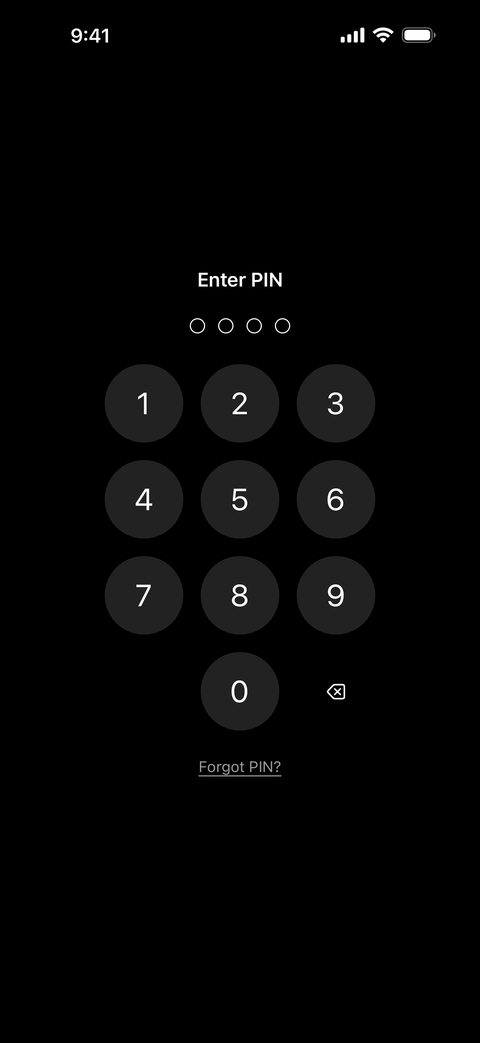
Snugjar lets you choose its own PIN and use Face ID as a shortcut. If you forget that PIN, you can turn the app lock off with your iPhone's Face ID or passcode, then set a new PIN in Settings. It does not provide independent protection against someone who knows your iPhone passcode. Photos and videos stay on your iPhone and are not uploaded to us.